Publish a Liteo lead form
Create a public form that turns each valid submission into a lead contact.
A Liteo lead form gives people a public way to send an enquiry. Each valid submission creates a lead contact in the workspace that owns the form.
Ask only for useful information
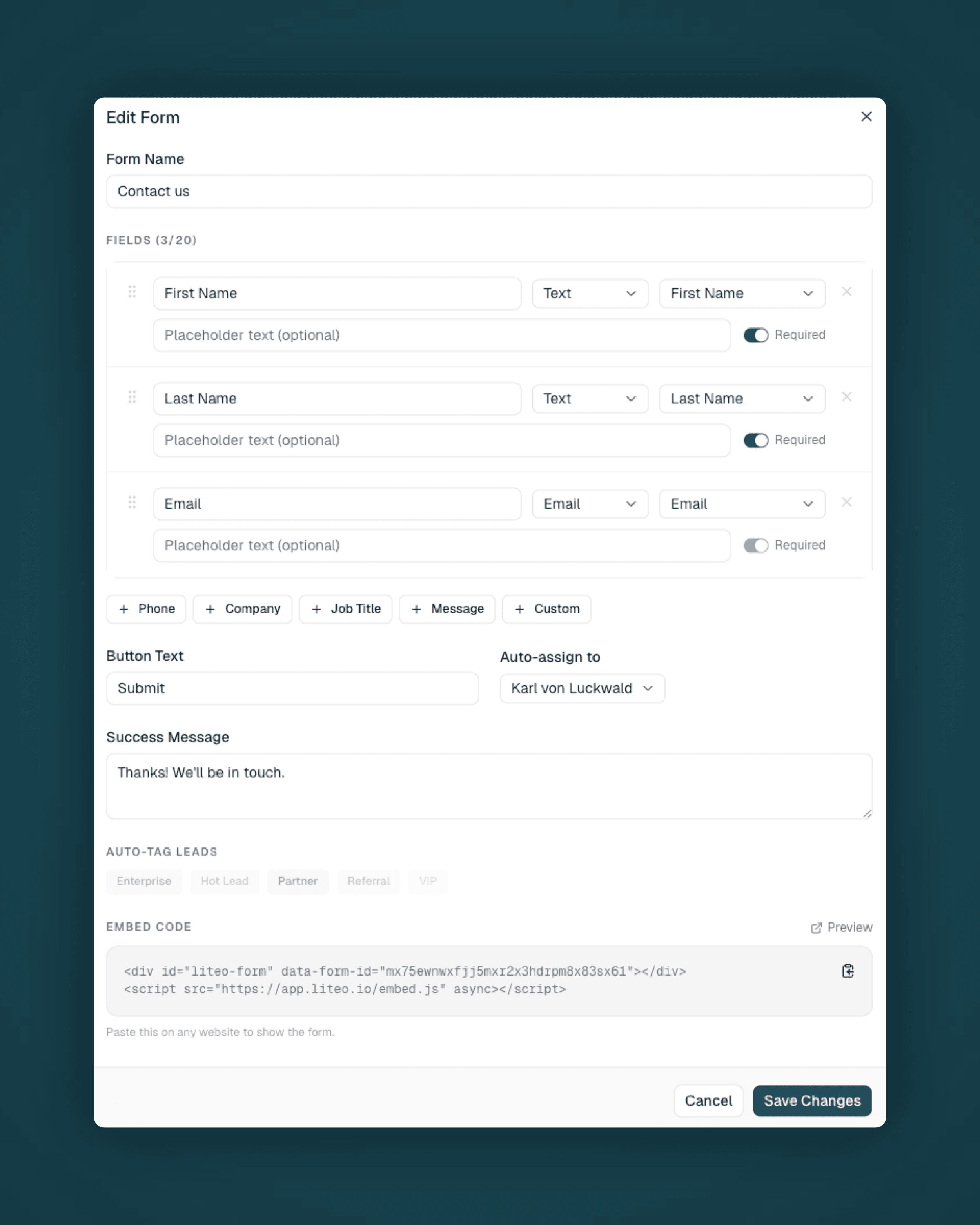
Start with a name and one reliable way to reply. Add questions only when the answer changes how you qualify or route the enquiry.
Long forms reduce completion and leave more information to maintain. You can collect the rest during the first conversation.
Publish and test the form
Open your forms area, create the form, and copy its public link. Submit one test with an address you recognize, then confirm the contact appears with the expected values.
Share the form
Link to it from your website, email signature, or campaign. If another tool already collects your leads, connect Pabbly or Zapier to send them to Liteo.
Related guides
Last updated on